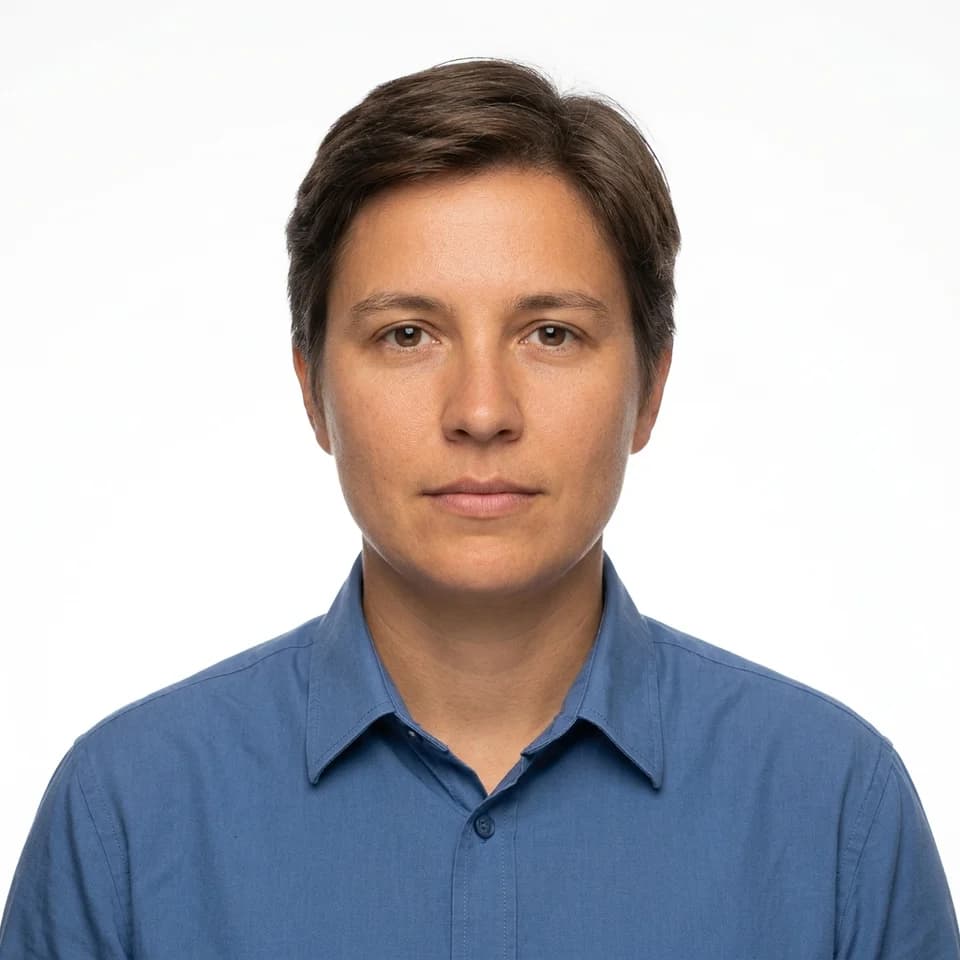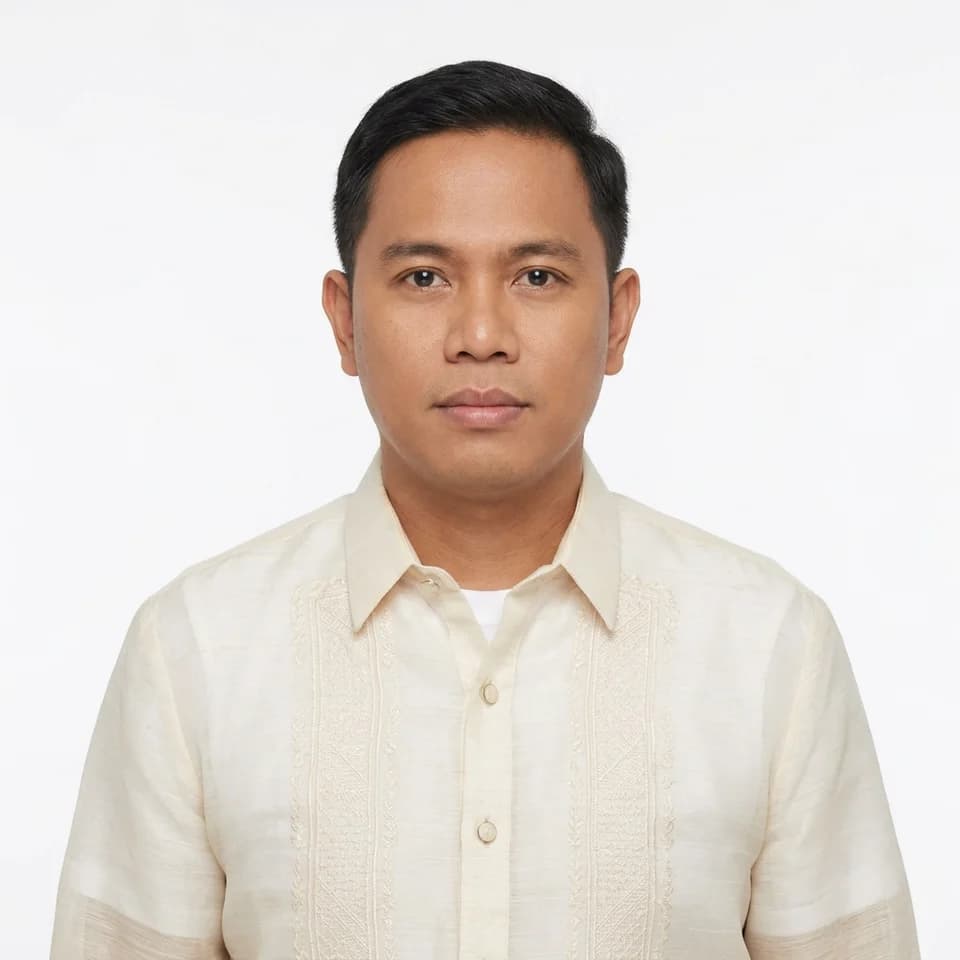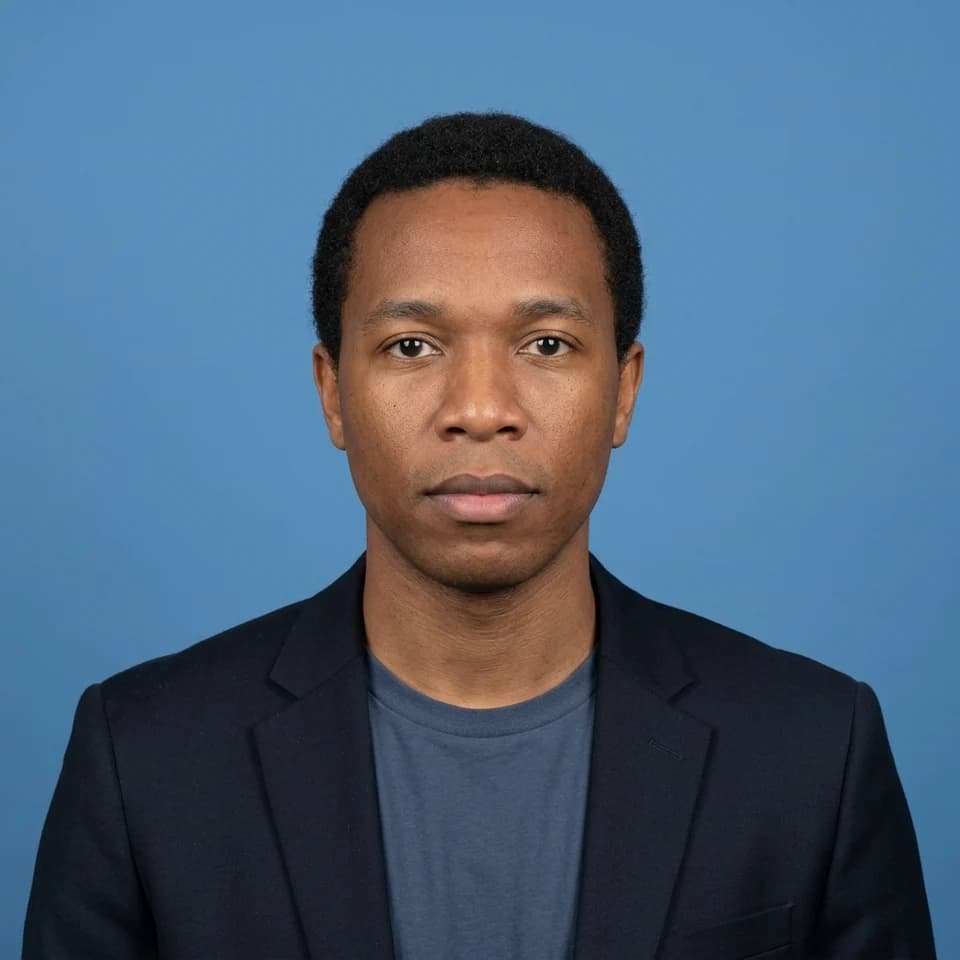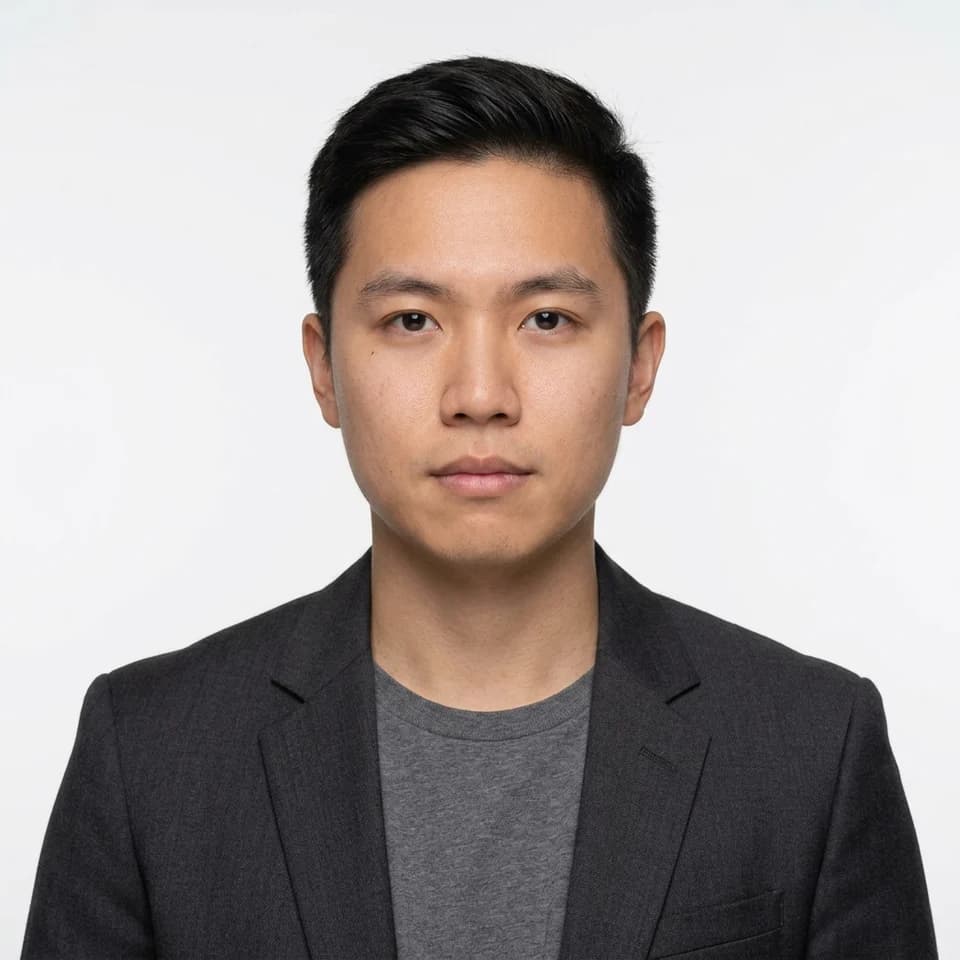
ID Picture — White Background, Blazer
Formal attire for women, from one selfie
Upload a selfie and get a formal photo in a dark tailored blazer over a plain shirt, or a buttoned collared shirt. Your face, hair and skin tone stay as they are; the clothes and background change.
The right ID picture, first try
Exact 1x1 and 2x2 sizes on a white, blue or red background, in corporate attire, ready to print or upload from one selfie.
Preview up to 3 looks from this pack free with your own selfie, then keep the ones you like for $19 once.
Sized for school, company and job application forms. Not for passports or government IDs.
Pick up to 3 and see them with your own face, free. Tap a look to try it on its own.
0 of 3 picked. Previews are free with your selfie.
Try this pack freeWear your hair the way you want it in the photo, then take the selfie.
Pick the blazer or collared shirt look on the background you need.
Preview free, and unlock the 1x1, 2x2 or print sheet if it looks right.
How it works
Pick up to 3 looks from this pack.
Add one clear selfie. You create a free account when you press Generate.
Previews are free and watermarked. Keep the ones you like for $19 once.
No. Passports, visas, drivers licences and most government IDs require a recent unaltered photograph, and many issuing authorities reject AI-generated or edited images. Use these photos for resumes, school and company IDs, and forms that ask for a formal photo rather than a legally specified one.
The attire follows the person in the selfie rather than a fixed men's template. The options are a blazer, a collared shirt, or a barong tagalog; there is no Filipiniana or dress option.
No. The looks are set to keep your face, skin tone and age as they appear in the selfie, and they do not add jewelry or glasses you were not wearing.
Generating is free with your 3 starter credits, and each result is a watermarked preview so you can check it before paying. The $19 Headshot Pack unlocks your previews in full resolution, with every print size and the print sheets, and adds 100 more photos. If you download nothing in full resolution, you can get a full refund within 7 days.
Other photos people make with Pixshop.
Formal photos for forms, IDs, and applications
Turn one selfie into a square formal photo on a plain white, blue, or red background. An ID picture maker for resumes, company and school IDs, and application forms that ask for formal attire.
Put formal clothes on any selfie
Upload a casual selfie and get the same face in formal attire on a plain background. Choose a dark blazer, a collared shirt, or a barong tagalog, on white, blue, or red.
2x2 inch formal photo from a selfie
Get a 2x2 inch (5.08 cm) photo in formal attire on a white, blue, or red background, at 300 or 600 dpi, plus a 4R print sheet with cut guides.
Pick up to 3 looks, preview them free with your own face, and pay only for the photos you keep.