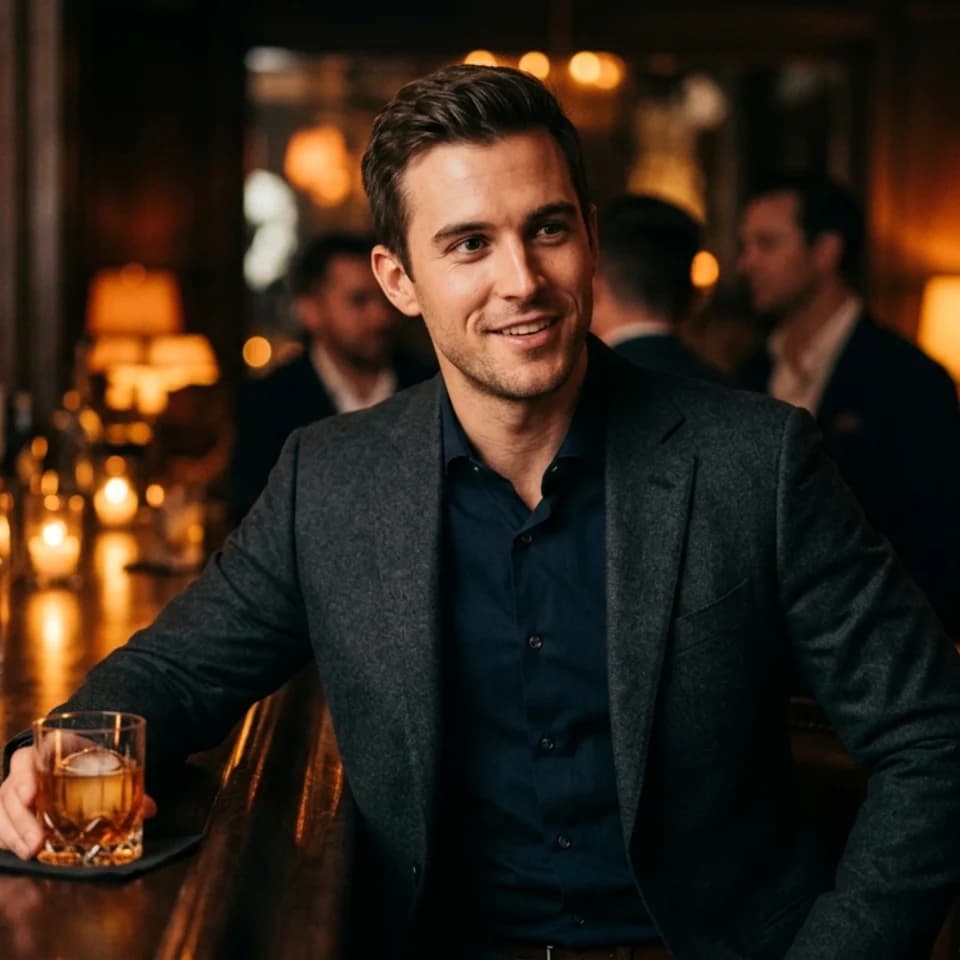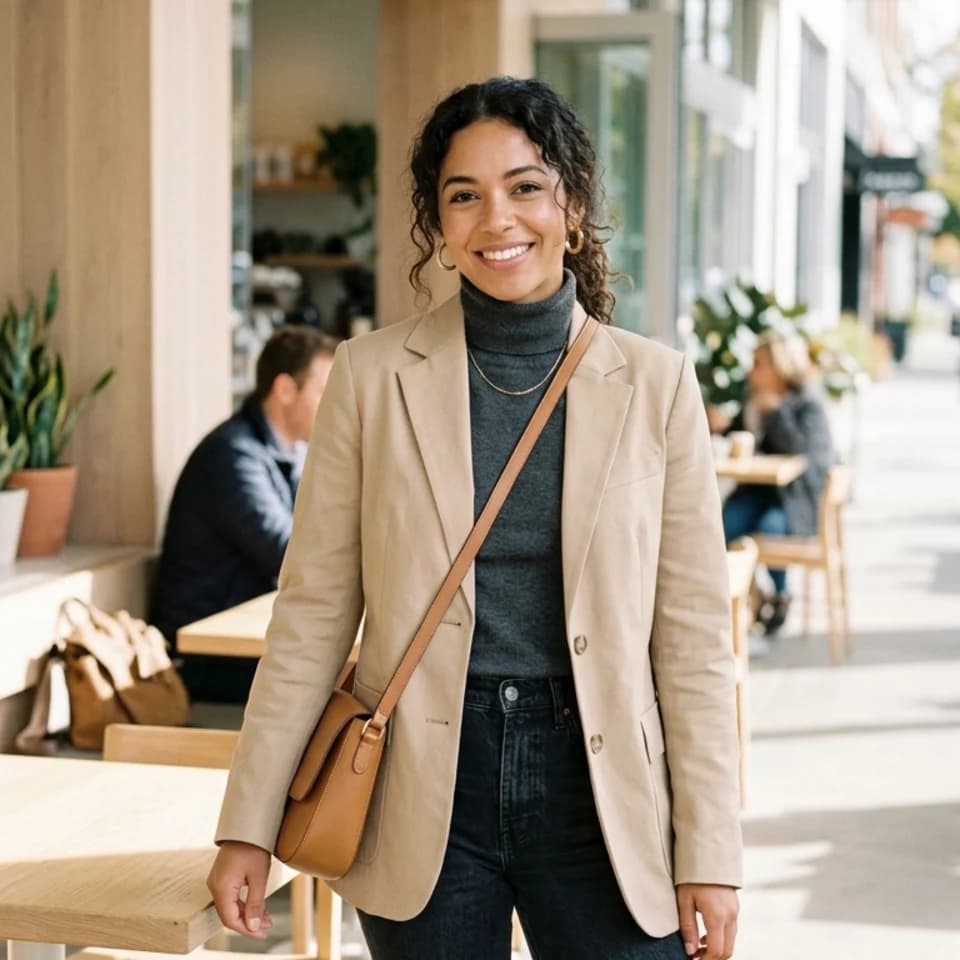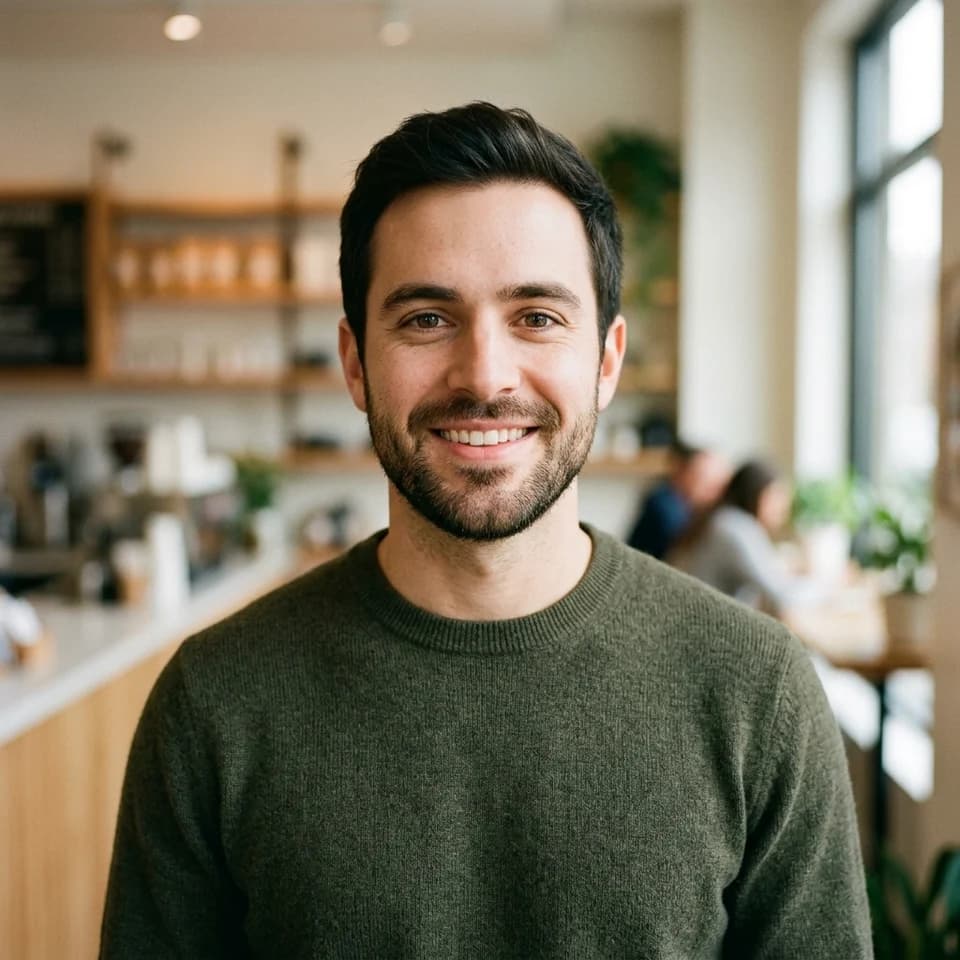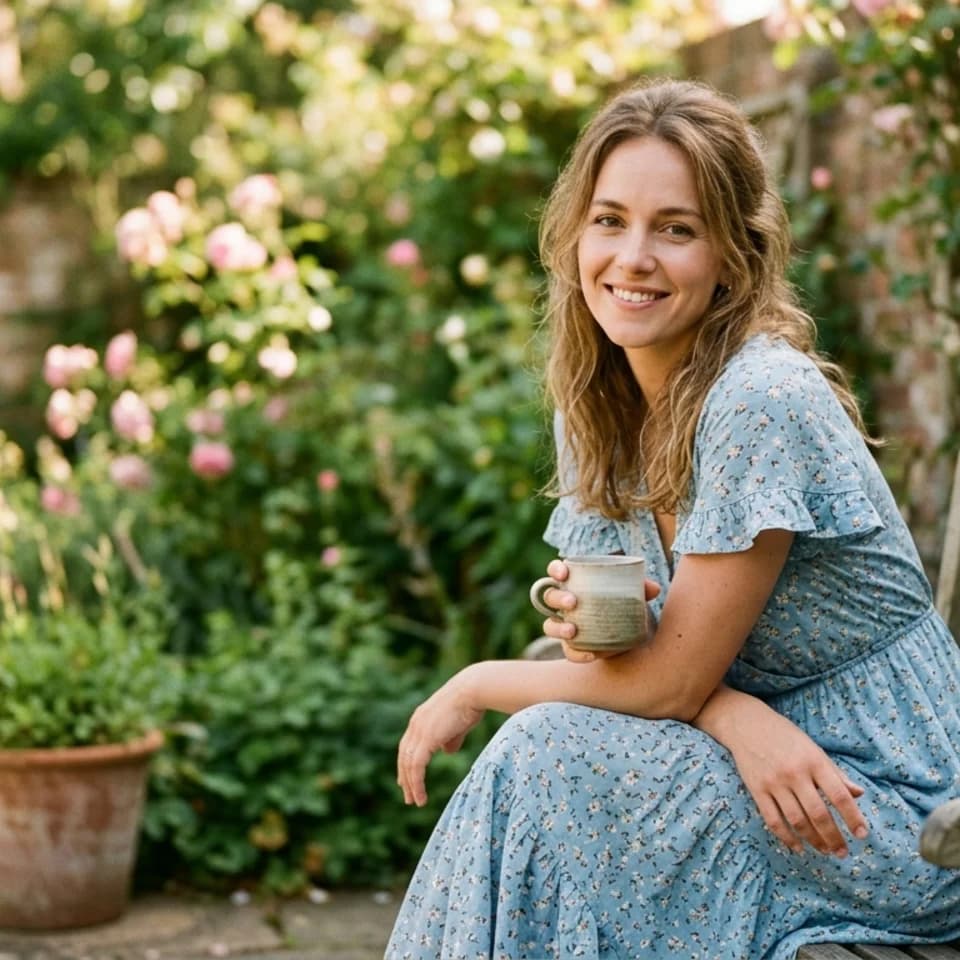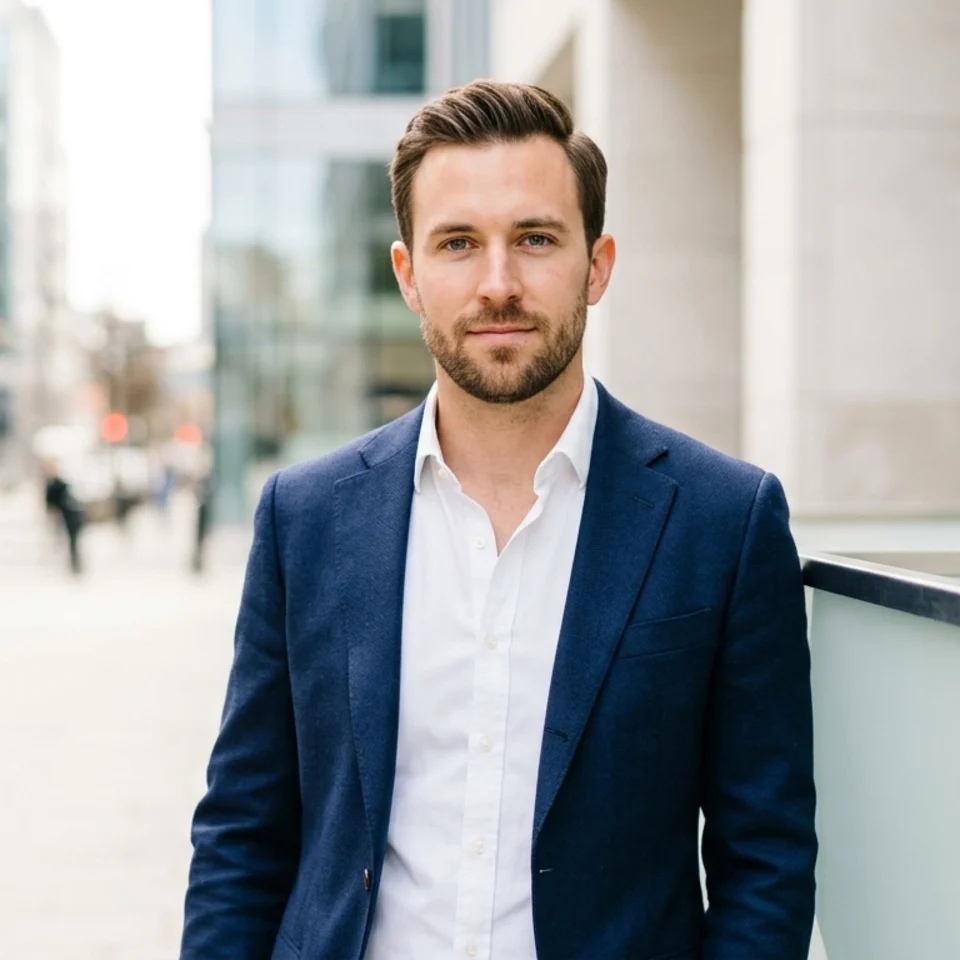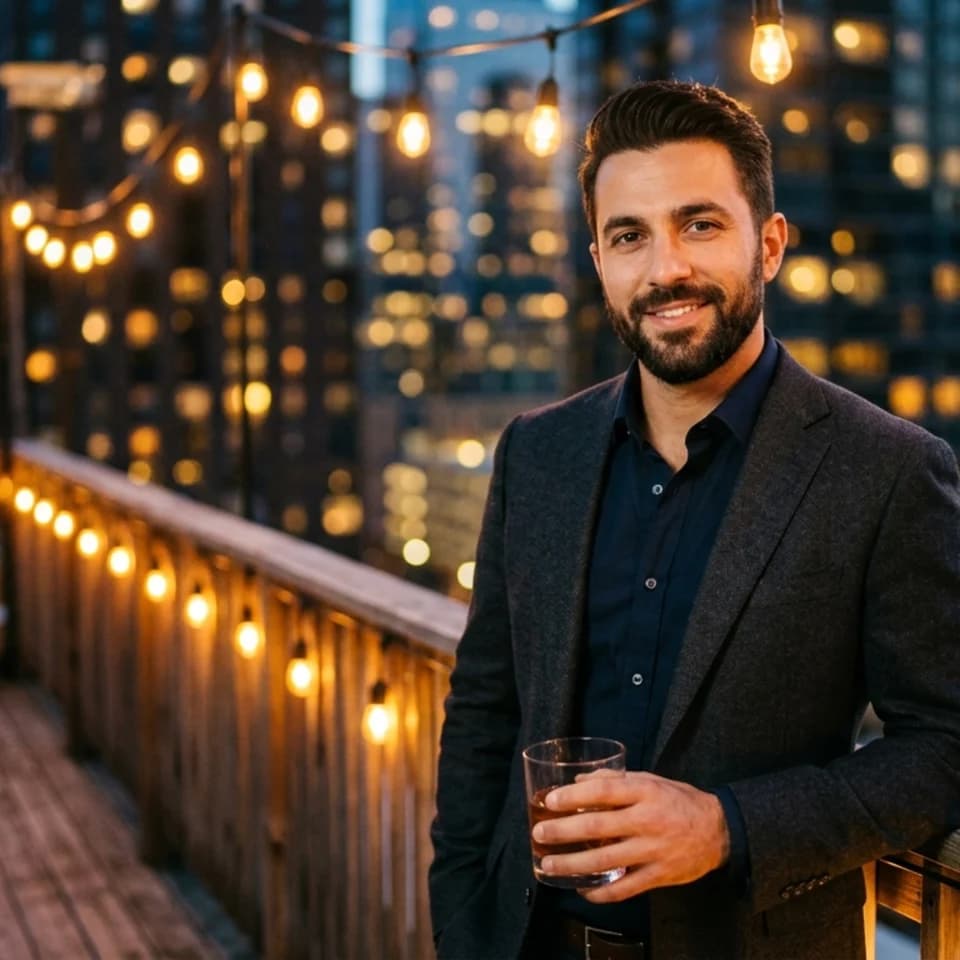
Rooftop Evening
Bumble photos
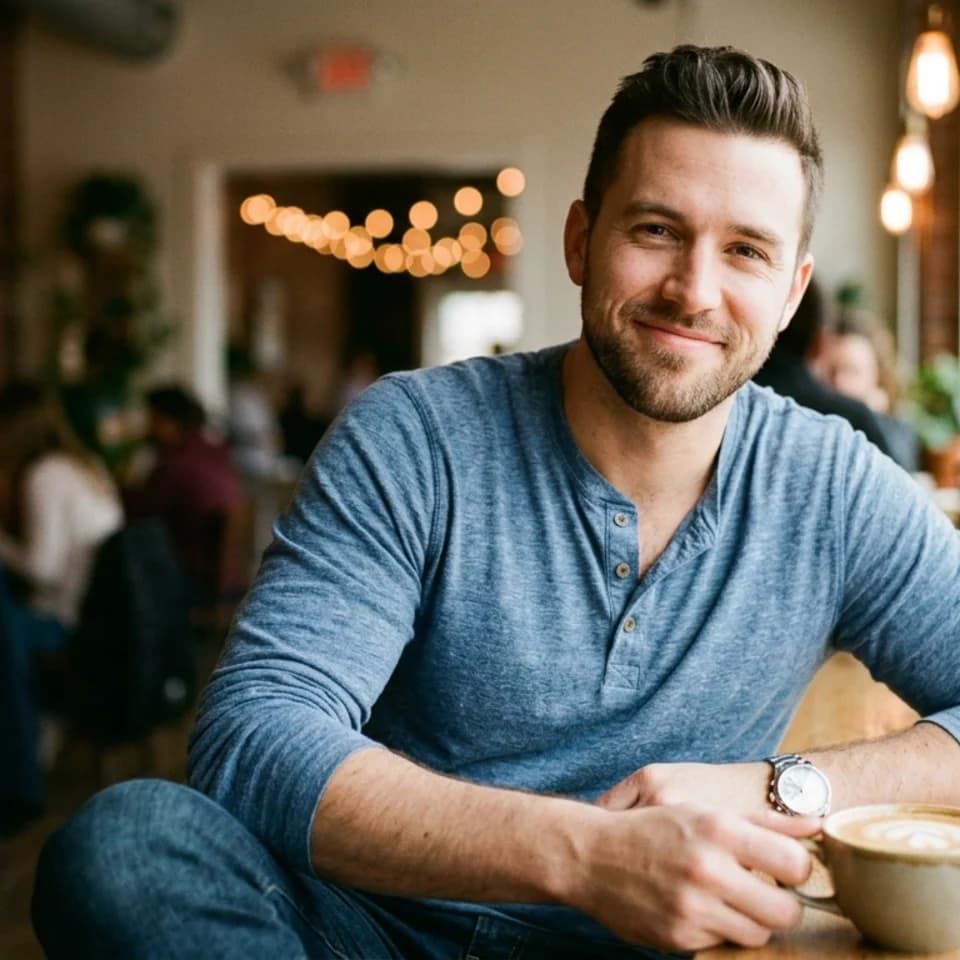
Confident, warm, and approachable — so the first move feels natural. Bumble photos from one selfie.
Make the first message easy
Warm, open photos that show your life and give a match something to say, from one selfie.
Preview up to 3 looks from this pack free with your own selfie, then keep the ones you like for $19 once.
Pick up to 3 and see them with your own face, free. Tap a look to try it on its own.
0 of 3 picked. Previews are free with your selfie.
Try this pack freeUpload one clear selfie — front-facing, good light.
Pixshop generates confident, warm Bumble-ready looks.
Pick your keepers and update your Bumble profile.
How it works
Pick up to 3 looks from this pack.
Add one clear selfie. You create a free account when you press Generate.
Previews are free and watermarked. Keep the ones you like for $19 once.
On Bumble, women message first — which means your photos need to invite conversation, not just look good. The best Bumble photos are confident but warm, polished but approachable. They make someone want to say hello, not just admire from a distance.
Bumble puts more emphasis on the whole person — photos and prompts together. Confident, direct eye contact and a warm smile signal that you're comfortable reaching out first, which matches the app's energy and gets better responses.
Bumble profiles typically show 2-5 photos. Lead with a warm, confident portrait that invites conversation, then show variety — lifestyle, social, aspirational — without over-polishing.
Yes. Rerunning Pixshop when you want a refresh keeps your Bumble profile current without the friction of a photoshoot. Dating profiles that get stale lose traction — regular refreshes help maintain interest.
Other photos people make with Pixshop.
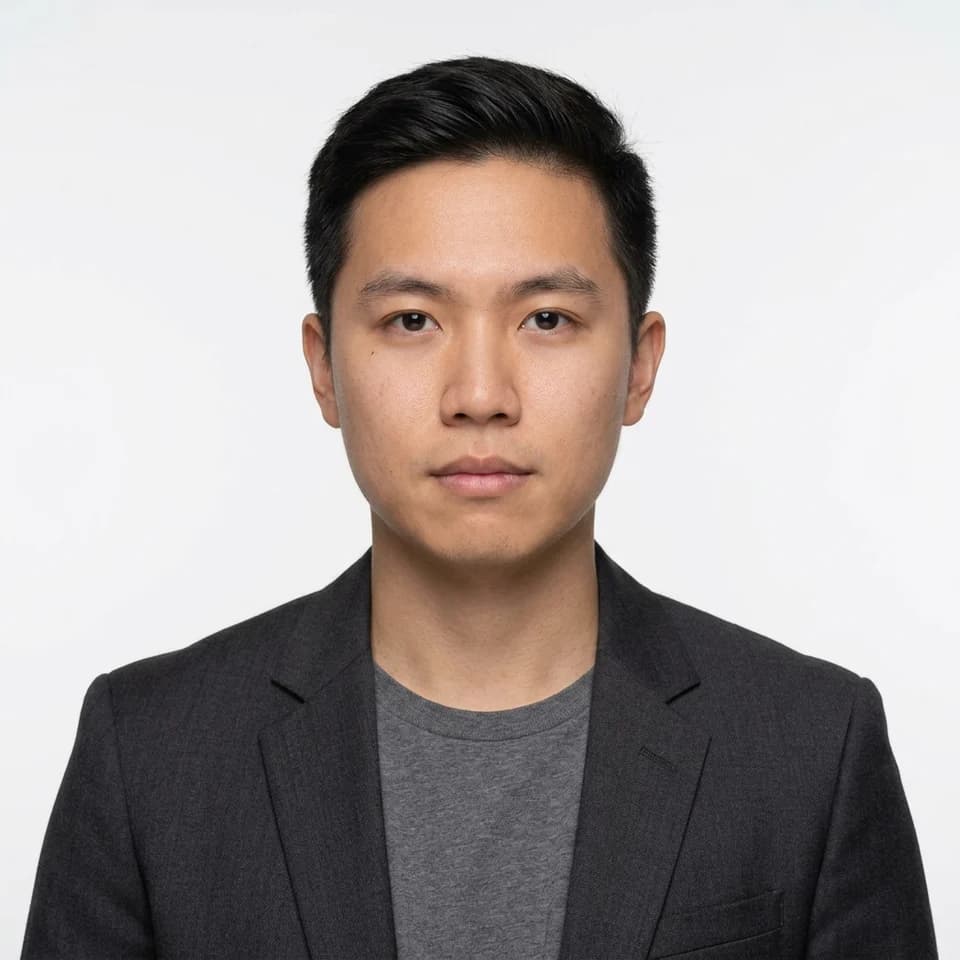
Formal photos for forms, IDs, and applications
Turn one selfie into a square formal photo on a plain white, blue, or red background. An ID picture maker for resumes, company and school IDs, and application forms that ask for formal attire.
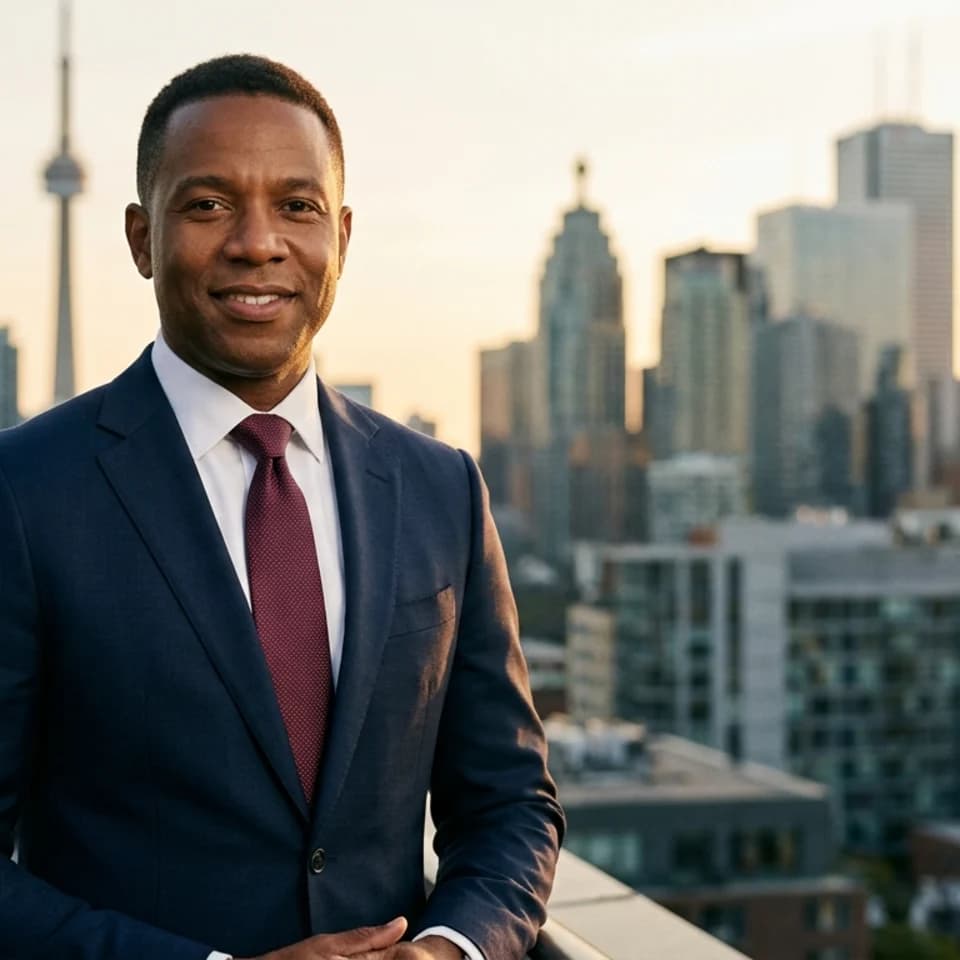
LinkedIn, teams, and bios
Create polished headshots for LinkedIn, team pages, speaker bios, founder intros, and resumes from one clear selfie without planning a studio day.
Dating profiles
One selfie. Multiple dates' worth of photos. Build a warmer, more varied dating set that actually looks like you.
Pick up to 3 looks, preview them free with your own face, and pay only for the photos you keep.