Material Board Portrait
Interior designers, decorators, and design-firm teams
Turn one selfie into tactile, design-literate portraits for your Houzz profile, the welcome screen of a client portal, and the team page of your design firm.
The headshot that gets you booked
Casting-ready and portfolio-ready portraits in your style, from one selfie.
Preview up to 3 looks from this pack free with your own selfie, then keep the ones you like for $19 once.
Pick up to 3 and see them with your own face, free. Tap a look to try it on its own.
0 of 3 picked. Previews are free with your selfie.
Try this pack freeUse cases
Each look in this pack is tuned for the surfaces below.
Use case
Homeowners compare several designers on Houzz before reaching out. Your photo sits next to project photos, so a polished portrait helps you look as considered as the rooms.
Use case
Many design firms send proposals and selections through a client portal or a PDF packet. A friendly portrait on the cover page puts a face to the invoice.
Use case
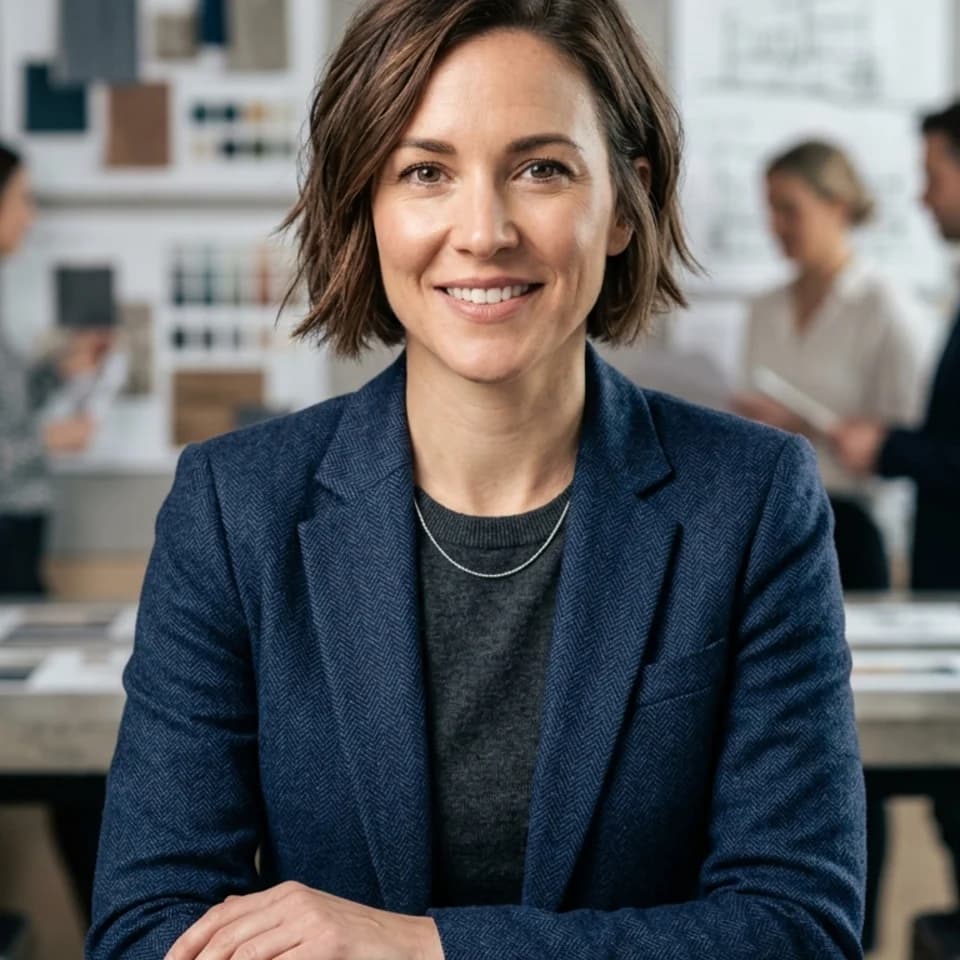
Principals, senior designers, and junior designers often share one grid. A single look applied to everyone keeps the page consistent without a group shoot.
Use case
Designer showhouses and market events list participating designers with a photo and short bio. The exhibition portrait suits these program pages.
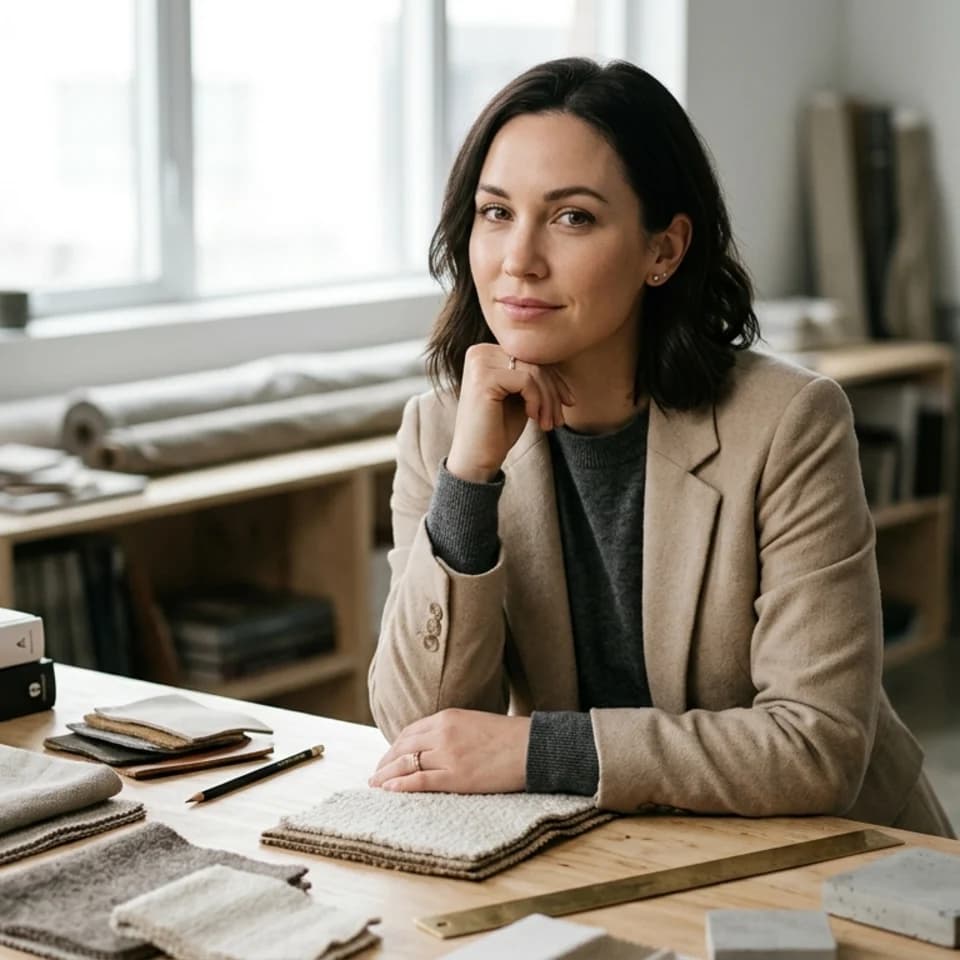
Choose the Designer pack and start with the Material Board look, which places you near fabric, finish, and sample textures.
Upload a selfie in daylight so skin tones stay true next to the warm material palette.
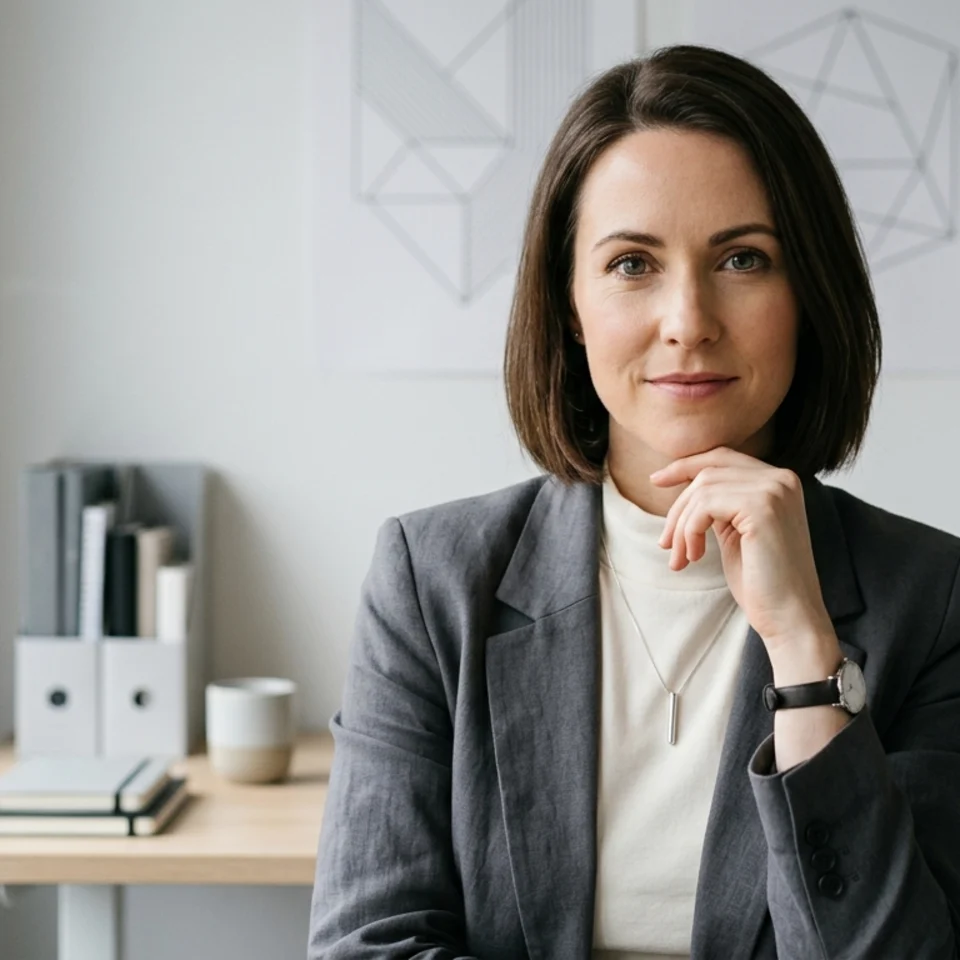
Use the Neutral Design Studio look as the matching team-grid photo if your firm wants every designer on the same background.
How it works
Pick up to 3 looks from this pack.
Add one clear selfie. You create a free account when you press Generate.
Previews are free and watermarked. Keep the ones you like for $19 once.
No. The material and studio looks keep the backdrop soft and textural, so your interiors remain the visual focus on Houzz and your portfolio.
Yes. Each designer uploads their own selfie and generates the same look, which gives the team page a consistent set without booking a photographer.
The looks use studio, workspace, gallery, and material-board settings rather than staged residential rooms. Your project photos already show the rooms.
Other photos people make with Pixshop.
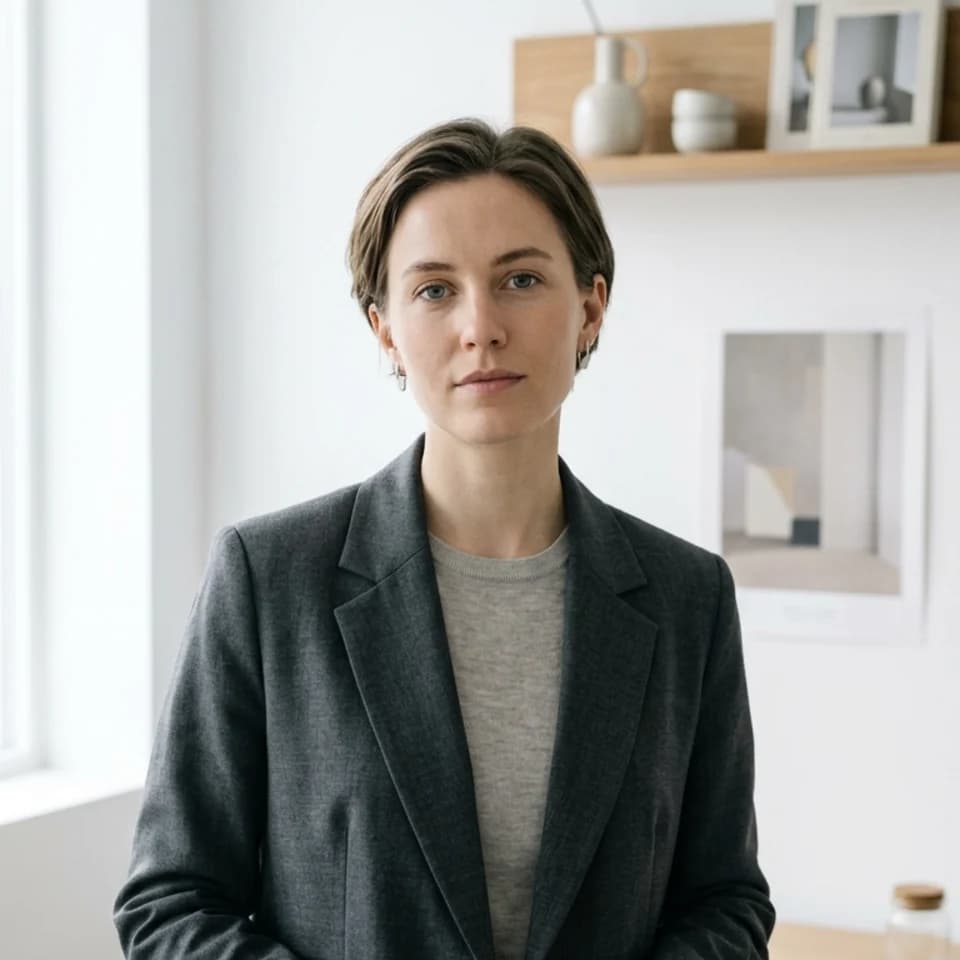
Graphic, UX, product, and brand designers
Make minimal, well-lit portraits from one selfie for your portfolio About page, Dribbble or Behance profile, and the team slide in a client pitch.
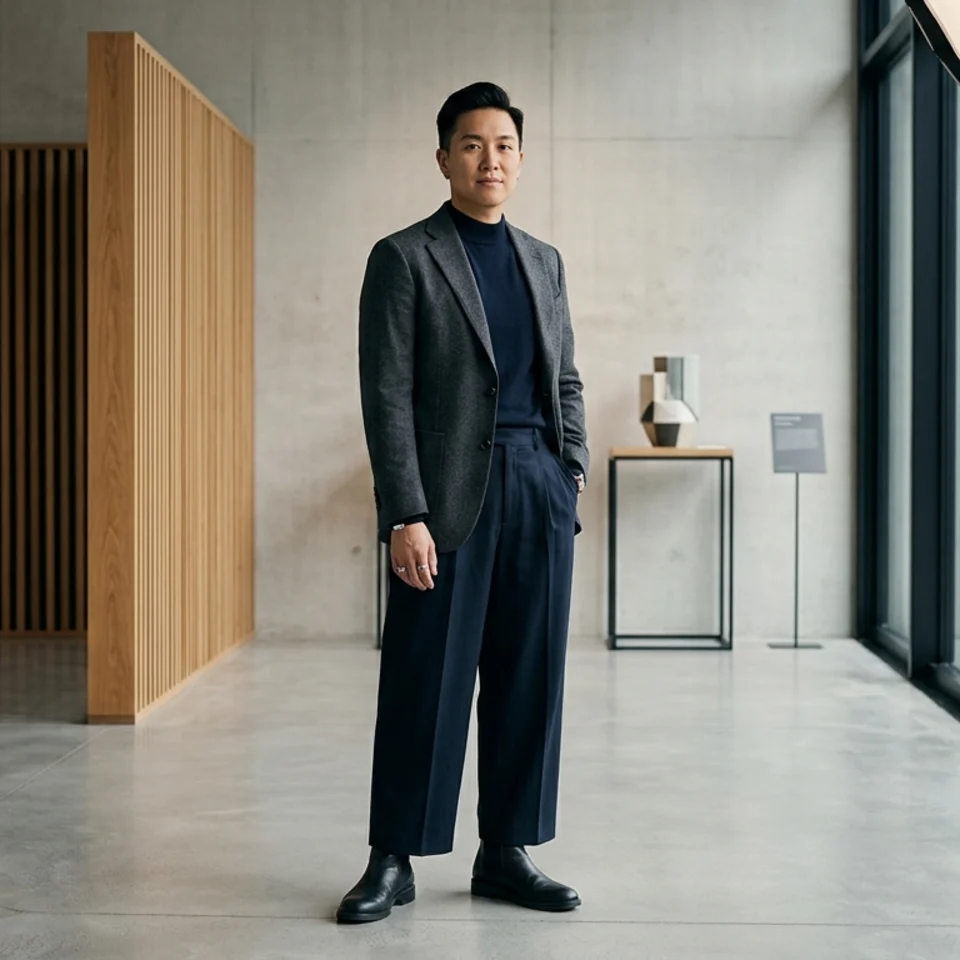
Architects, principals, and design staff
Architecture firms sell judgment and taste, and the team page shows both. Pixshop makes minimal, architectural-interior headshots from one selfie for firm sites, proposals, and award entries.
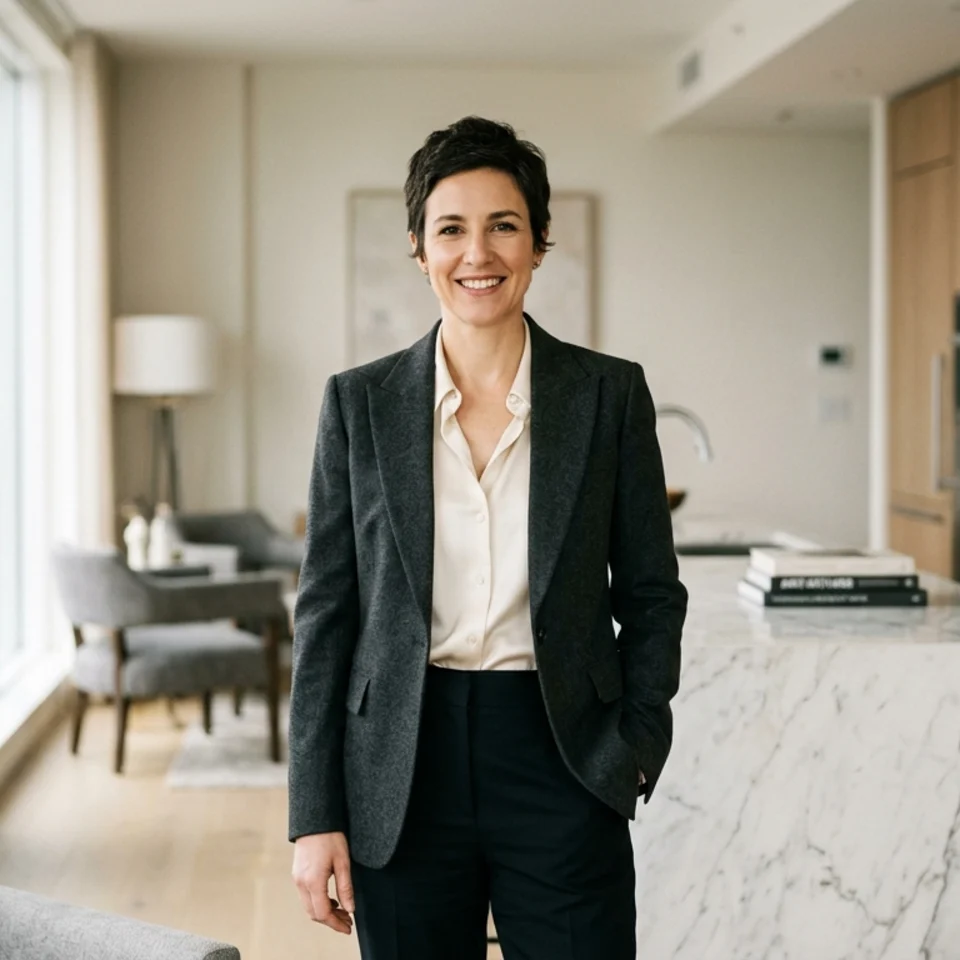
Real estate agents and brokers
Create polished, approachable headshots from one selfie for MLS profiles, brokerage bios, yard signs, and listing pages — without booking a studio session.
Pick up to 3 looks, preview them free with your own face, and pay only for the photos you keep.