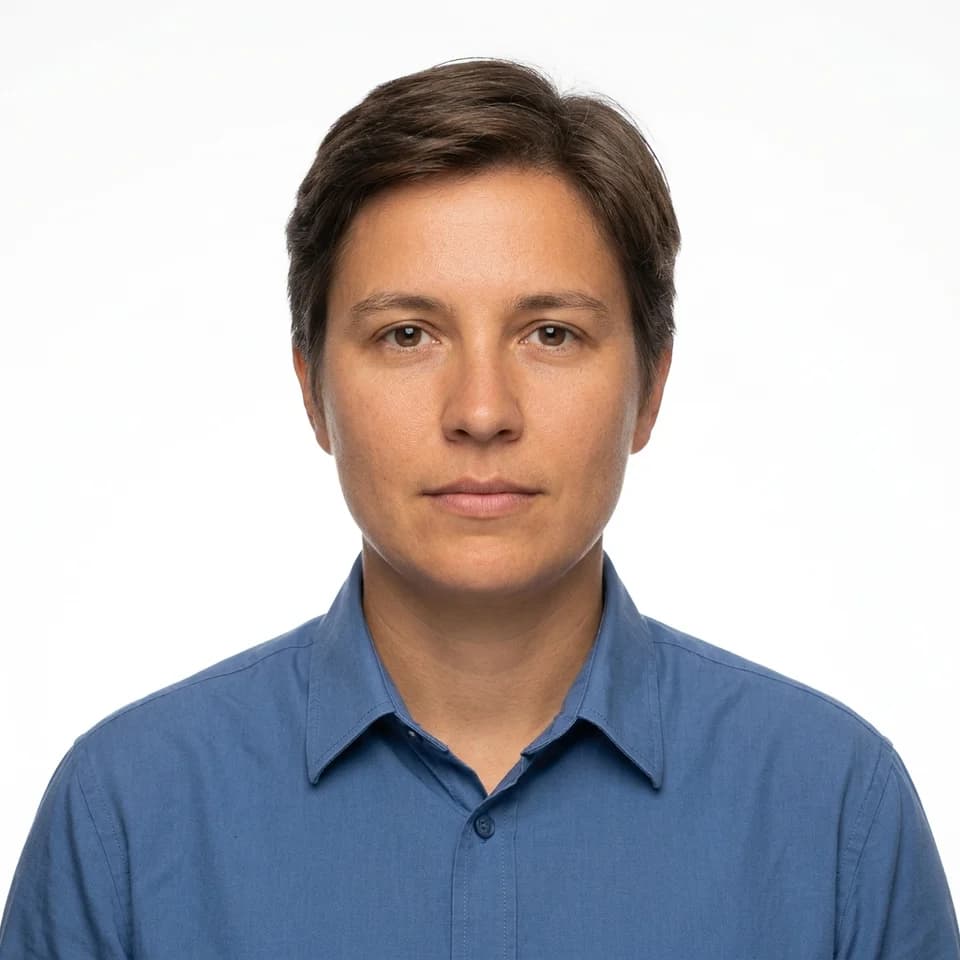
A 1x1 ID photo is a photograph cropped to a square, one-inch-by-one-inch print size — a 1:1 aspect ratio — required by many ID cards, membership badges, exam registrations, and online forms that ask for a small square photo instead of a taller rectangular portrait crop like a passport photo.
Why the square crop changes the framing
A square frame has less vertical room than a rectangular one, so the same head-and-shoulders composition that works for a resume photo can crowd a 1x1 crop. The face needs to sit centered with minimal space above the head and almost no shoulder visible below — tighter than head-and-shoulders framing for a wider format.
How it differs from a 2x2 ID photo
Both are square, but they are not interchangeable. A 2x2 ID photo is the larger of the two and is the size specifically required for U.S. passport and visa applications, with defined rules about head size within the frame. A 1x1 request is a smaller square used for lower-stakes documents — badges, cards, and forms — that specify inches rather than a government-mandated photo standard.
What the background and expression should look like
Because the crop is tight, a plain background and a neutral expression matter more here than in a looser portrait — there is no room for either to fade into the background.
Getting one from a selfie
Pixshop's ID picture editor turns a selfie into a square photo automatically, but the output is not cropped to an exact millimetre spec or head-height ratio. If a form states precise 1x1 dimensions, resize the square output to that size before printing or uploading it.
It is built for badges, membership cards, resumes, school records, and forms that request a formal photo rather than legally specify one. It is not a way to produce a passport or any other government ID photo: those require a recent, unaltered photograph, and most issuing authorities prohibit AI-generated or digitally edited images.