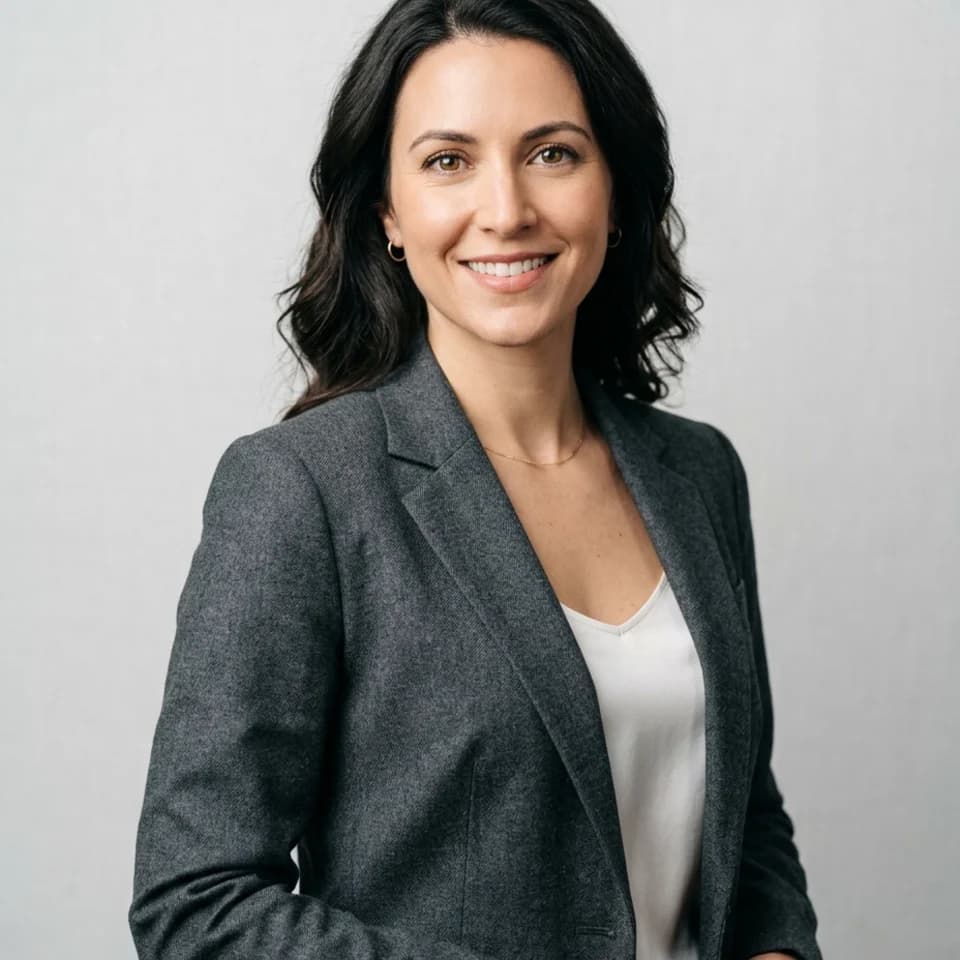
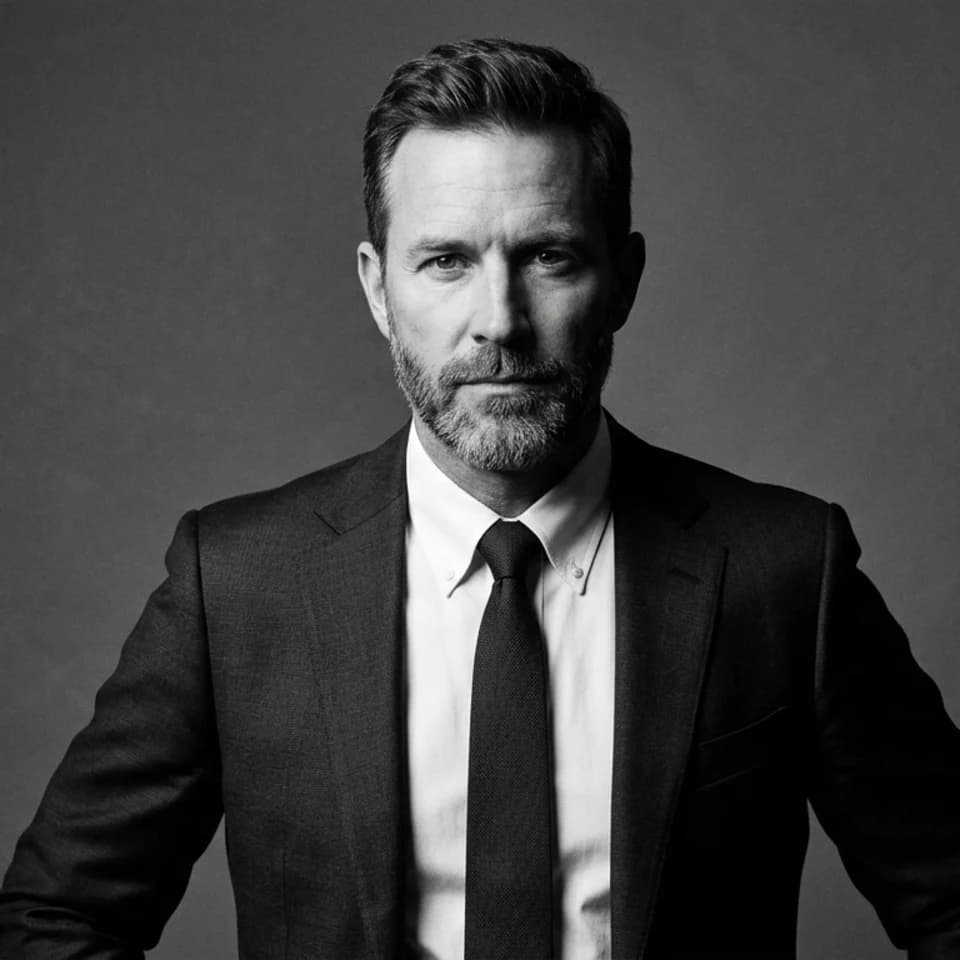
Good AI photo results aren't luck. Sure, some photos just turn out great on the first try — but there are a few habits that consistently lead to better results. Here are five of them.
Tip 1: Start with a clear, front-facing selfie
The AI works from what you give it. A photo where your face is clearly visible, reasonably well-lit, and looking toward the camera gives the model the best possible starting point.
- Avoid photos with heavy filters already applied
- Skip extreme angles or photos where only part of your face is showing
- Remove hats, sunglasses, or anything covering your face
- Good lighting matters — near a window works great
Tip 2: Choose the right pack for your goal
Each pack is designed for a specific kind of result. Picking the one that matches your actual goal gets you closer to what you want on the first try. Want LinkedIn-ready headshots? Choose the Headshots pack. Looking for better dating profile photos? Go with the Dating pack.
Tip 3: Don't stress about background clutter
Pixshop transforms the entire setting, so what's behind you in your selfie doesn't matter much. A plain background can help the AI read your face more clearly, but a messy room won't ruin your results.
Tip 4: If you don't love the first set, retry
You're not stuck with your first output. Pixshop lets you retry shoots to get different variations. Sometimes a retry will nail the look you had in mind. It's worth using your retry allowance before giving up on a pack.
Think of the pack as getting the shot, and the editor as finishing it.
Tip 5: Use the editor to polish your keepers
Once you've got a photo you like, the Pixshop editor lets you make final touches — minor adjustments, enhancements, and edits. Great AI photos come down to one good input selfie, the right pack choice, and a willingness to retry when a result isn't quite there. That's it.