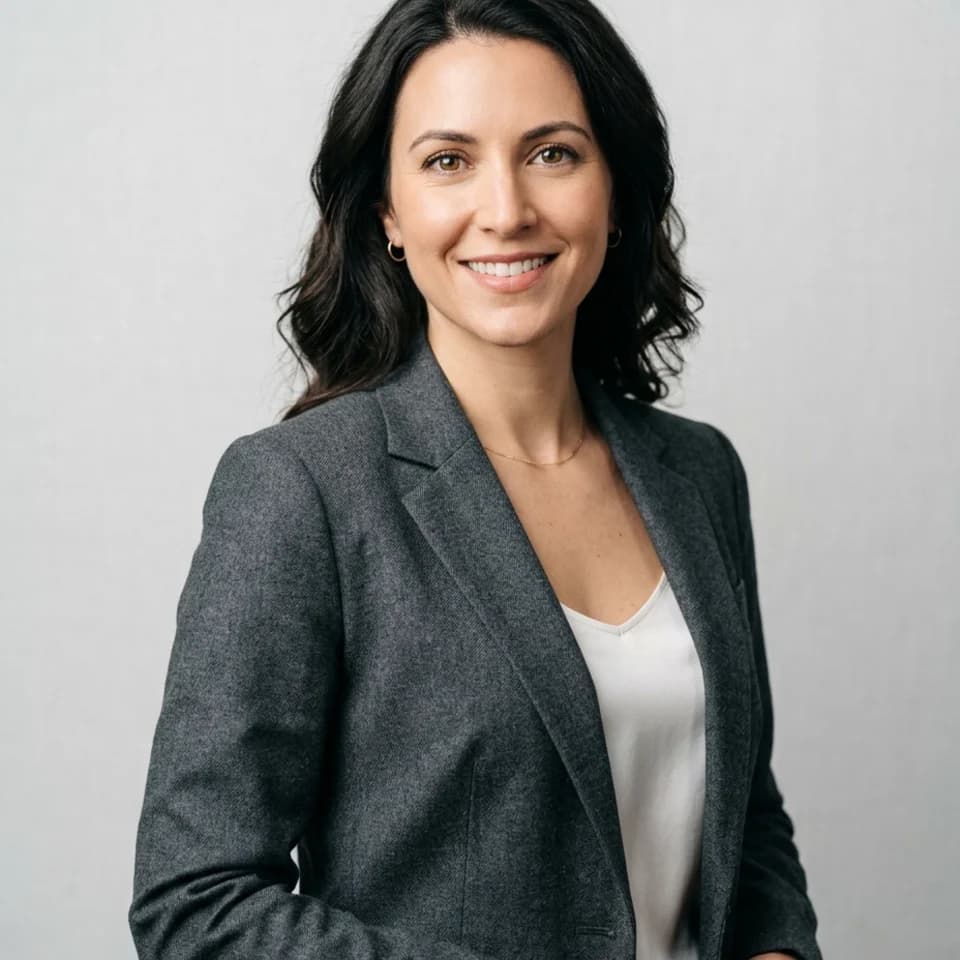
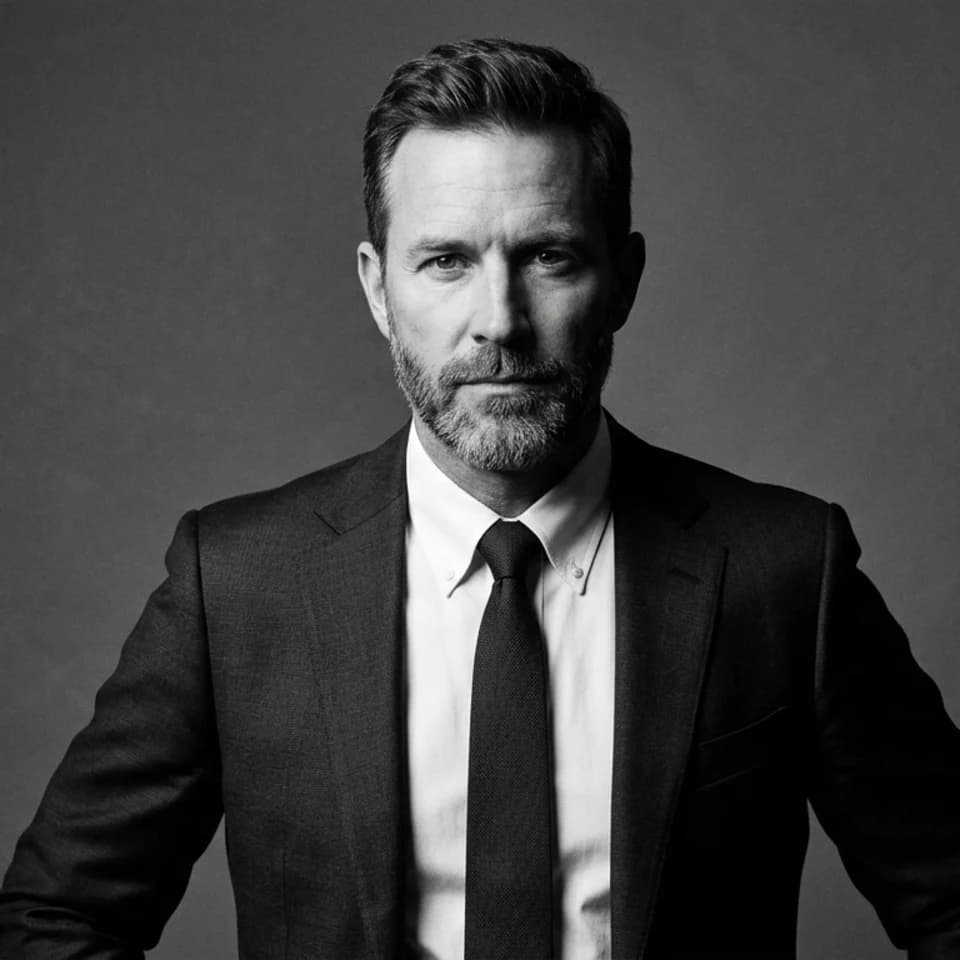
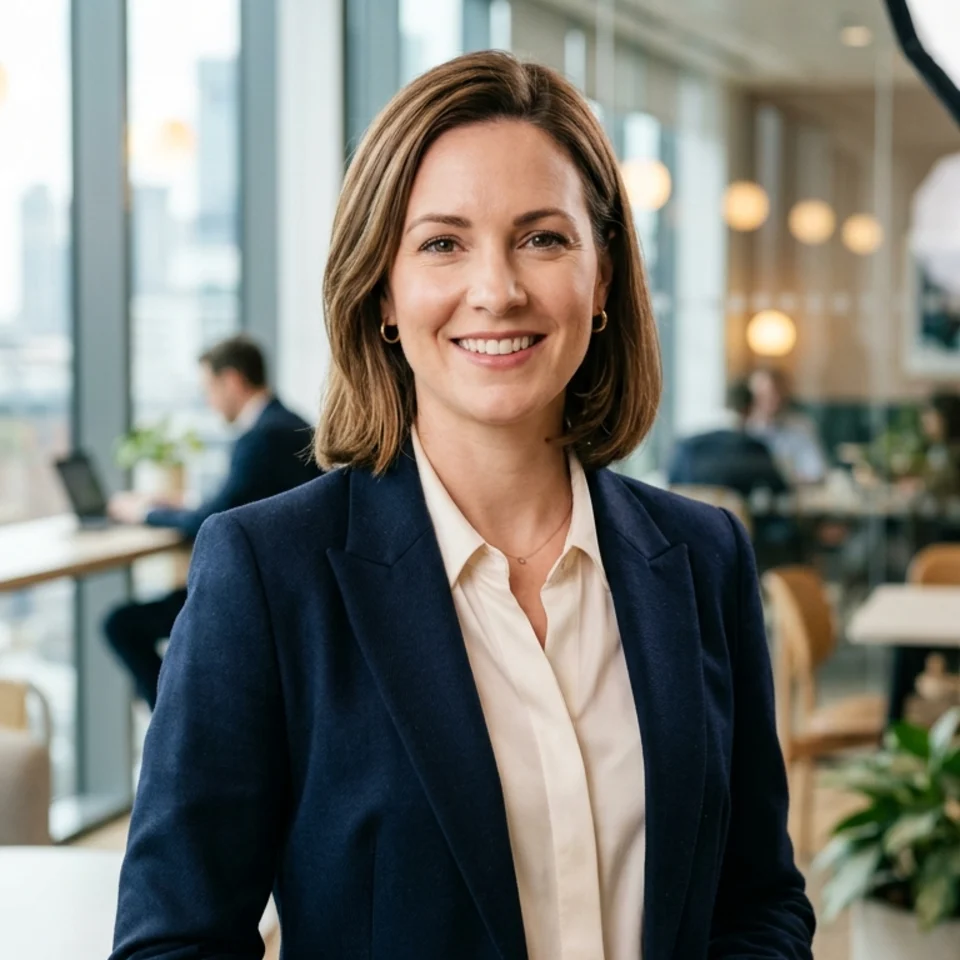
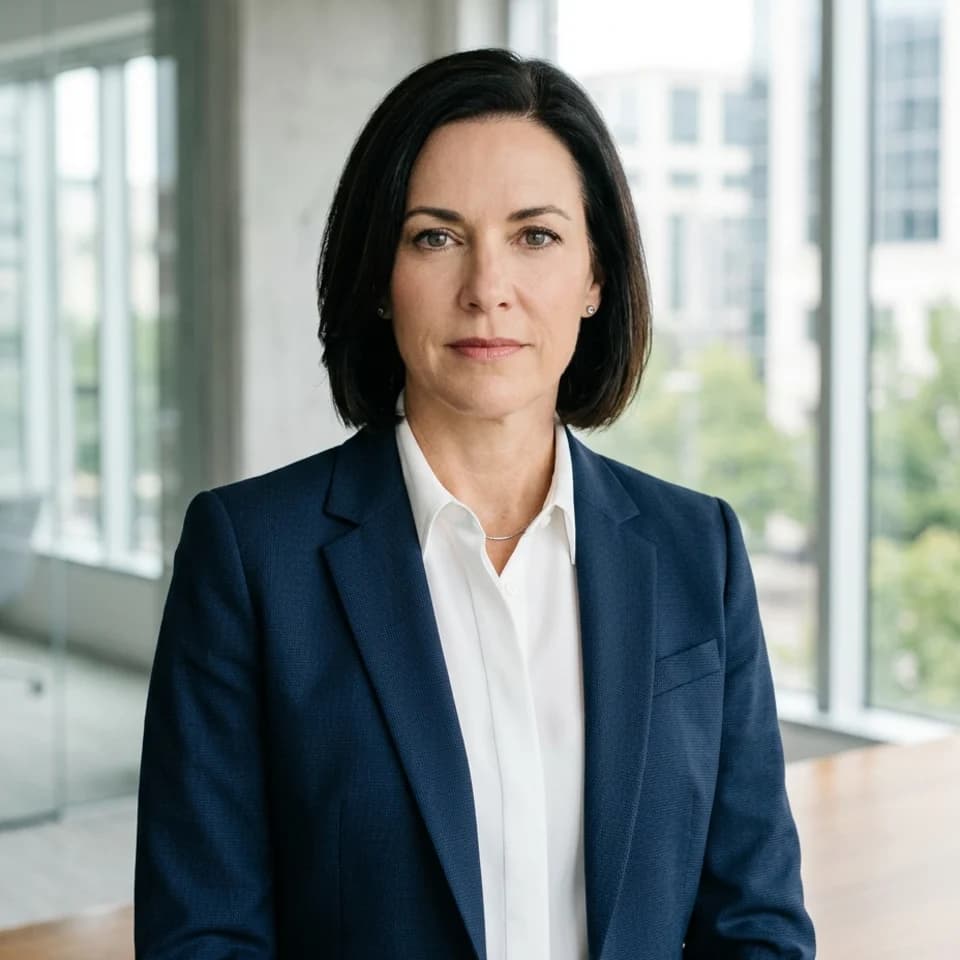
"Free" in most SaaS tools means a crippled version designed to frustrate you into paying. Pixshop's free tier is different — not because it is unlimited, but because it gives you real results from the same AI model used for paid plans. Here is exactly what you get.
What 3 free previews get you
You pick up to 3 looks, add one selfie, and create a free account when you press Generate. No credit card. Each preview is one look rendered with your own face, so three previews tell you whether Pixshop works for you.
- A LinkedIn-ready headshot from the headshots pack
- A dating profile photo from the dating pack
- A team directory or company bio portrait
- A travel portrait or creative look if that is what you need
The previews come from the same AI model used for paid photos. The quality is not reduced. They carry a small watermark until you keep them.
What free doesn't include
- A full-resolution file without the watermark
- More than 3 looks, or retries on a look you want to see again
- Batch generation for teams
- Subscription-only features like saved history and priority generation
Free vs paid — what actually changes
Free gets you enough to know whether Pixshop works for you. Most people know from the first preview. The $19 Headshot Pack unlocks your previews in full resolution and adds 100 more photos from the same selfie, across any pack. It is a one-time payment with a 7-day money-back guarantee. Monthly plans exist if you refresh photos often.
When to upgrade
- You like a preview and want it in full resolution, without the watermark
- You want to try a different pack — dating photos after getting headshots, for example
- You need to refresh your photos every few months as your look changes
- You want more looks from the same selfie, for LinkedIn and beyond
3 free previews. No credit card. Results in under a minute. If the first preview does not impress you, you have not spent a thing.